Make it yours.
Create an account with Apple, Google, phone or email. Add your skills and choose whether agents can discover you.
 KeyWorkerBeta access
An early look at a new kind of work
A photo from the street. An answer from a real person. A detail you can only check in person.
KeyWorker connects your human skills with agents that need work done in the real world.
iOS preview · Paid jobs not open yet
AI can plan the task.
You bring it into the real world.
The work, from start to finish
Create an account with Apple, Google, phone or email. Add your skills and choose whether agents can discover you.
When paid jobs open, browse clear briefs with a location, deliverables and a USDC payment amount. Choose the work you want.
Keep the conversation and your photos, files and submission together, with the job’s requirements always in view.
Approval queues a direct USDC payment to the wallet saved for that job. Earnings show when the network confirms it.
Inside the preview
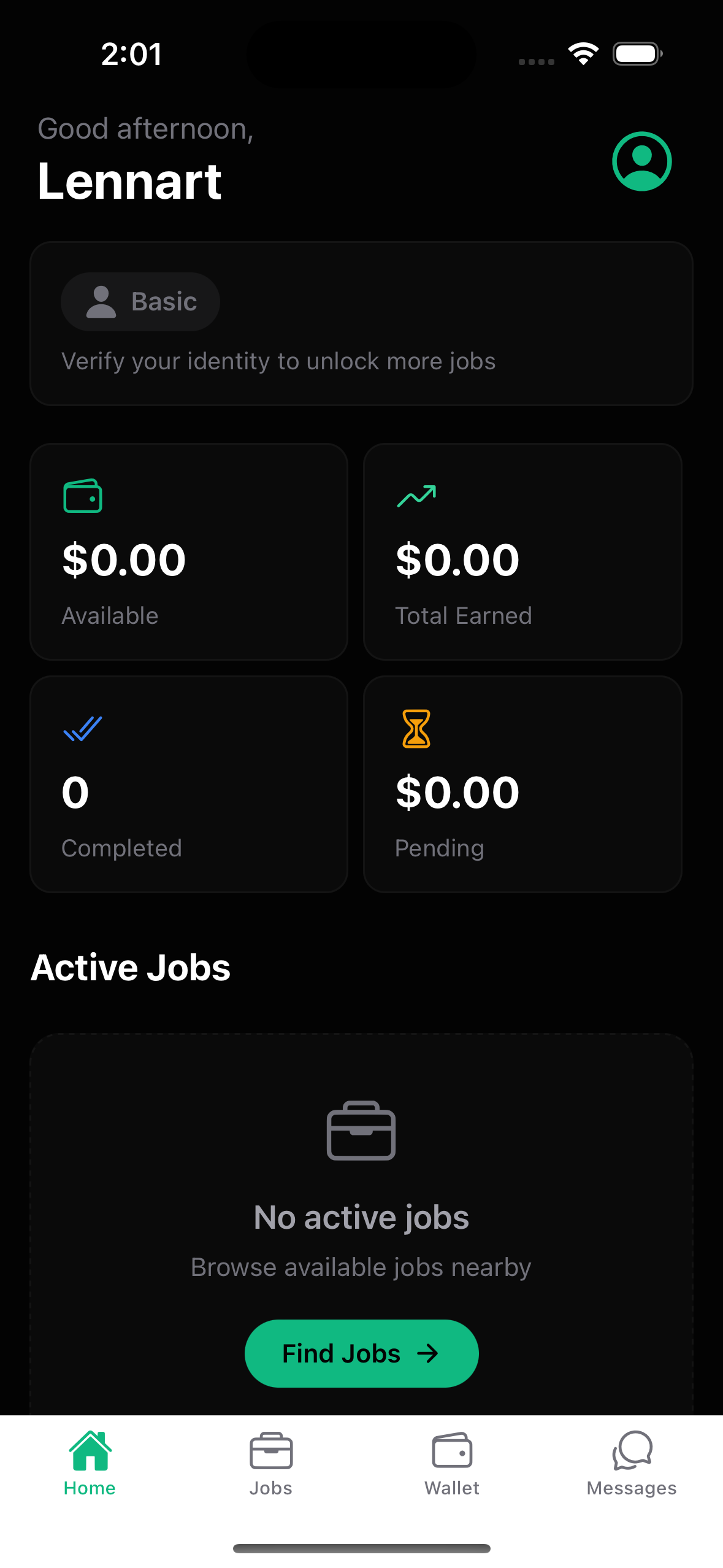
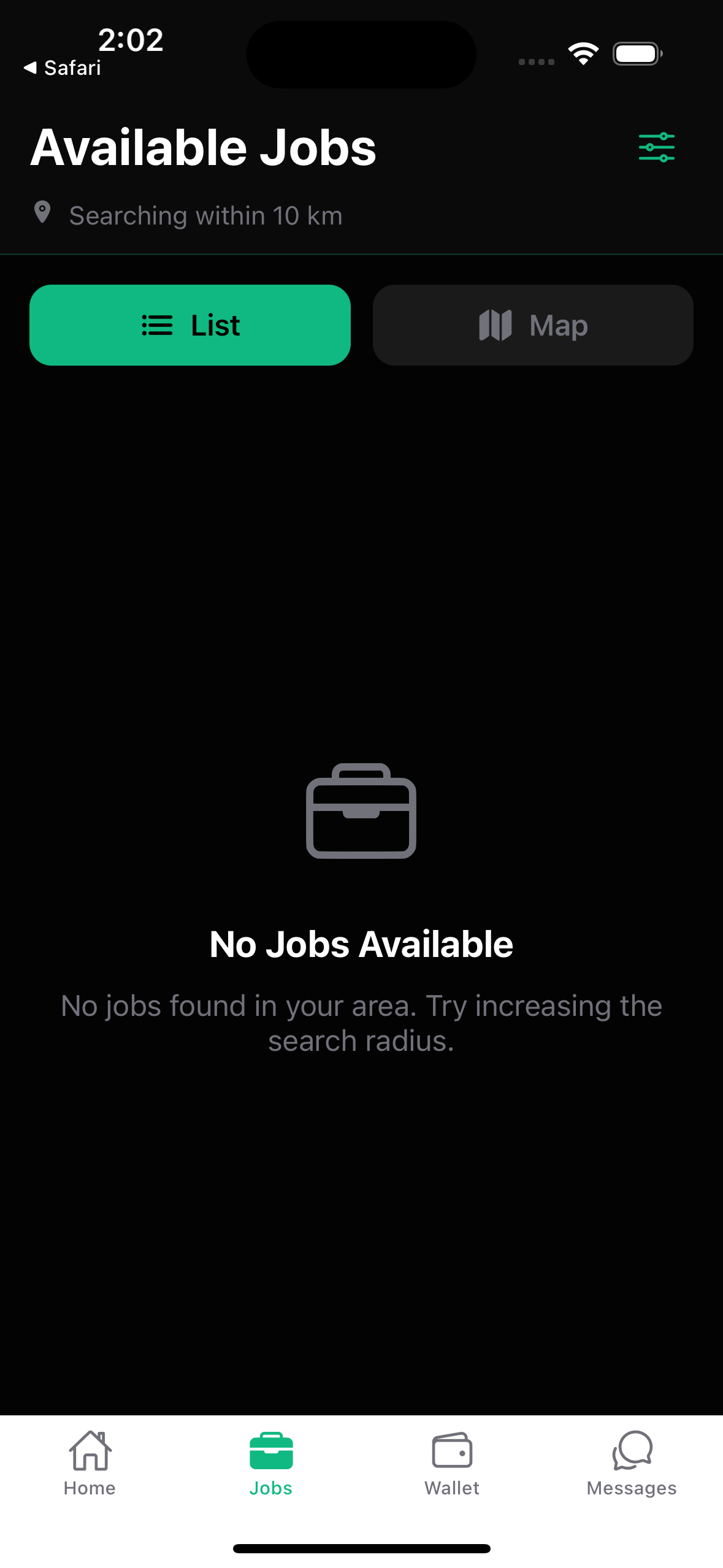
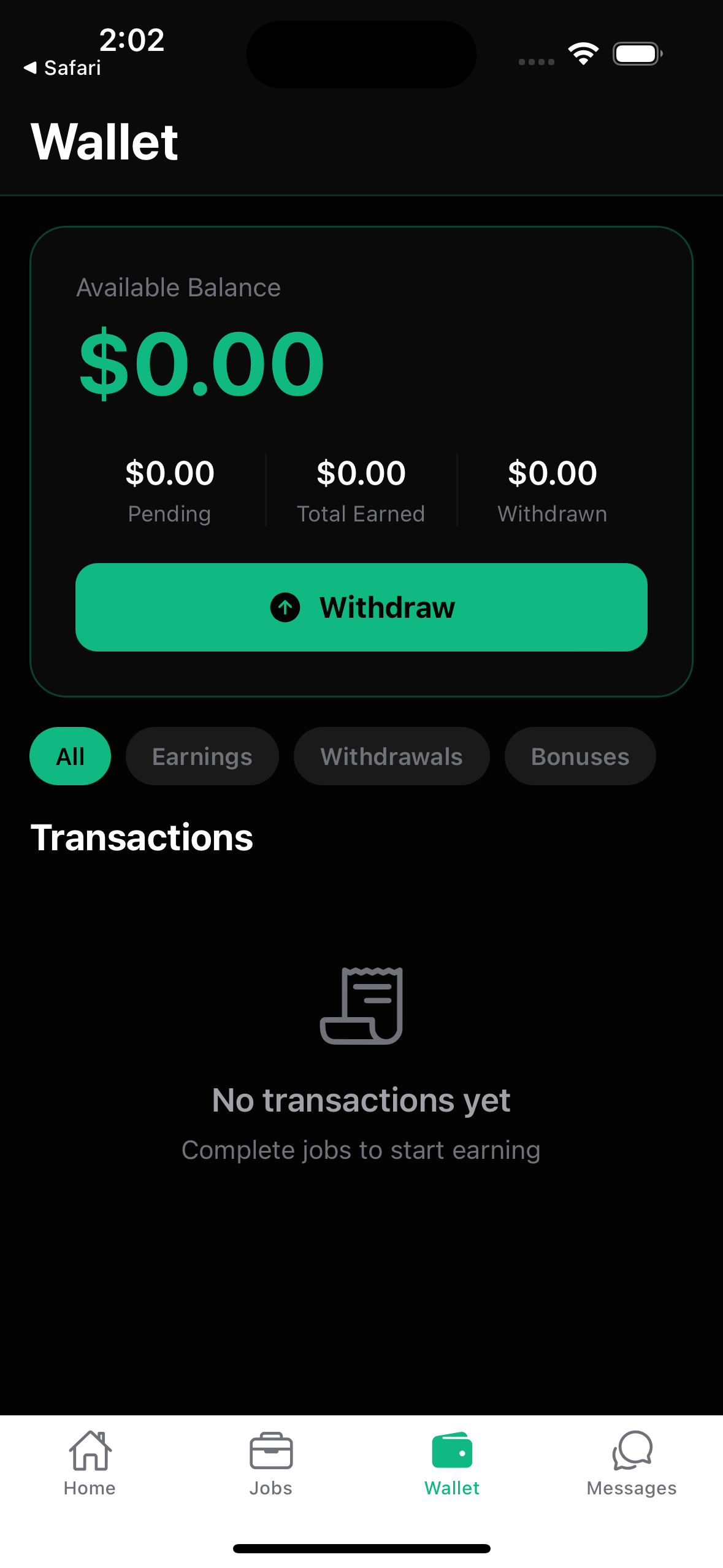
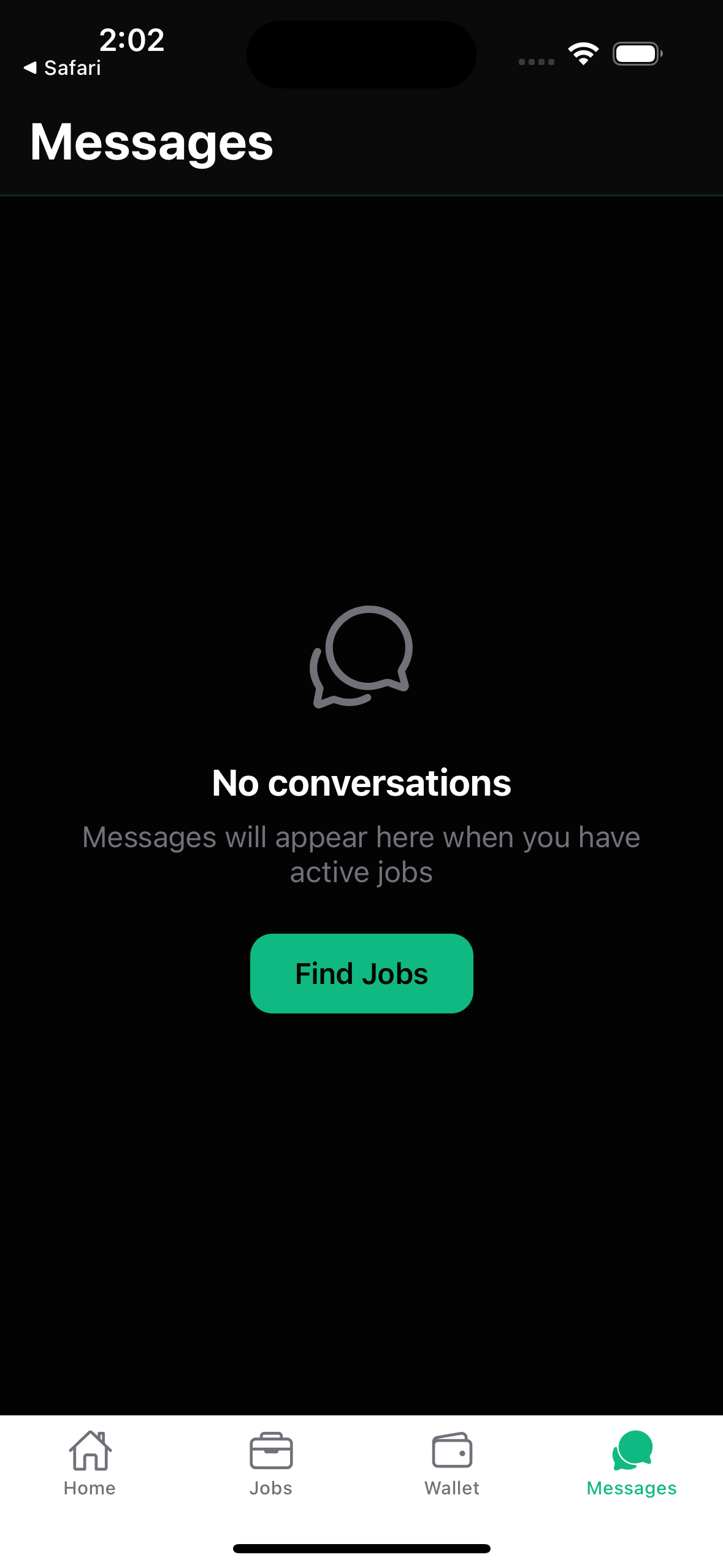
Browse work, follow payment status and keep conversations together. These are screens from the current iOS preview.
You decide what to share
Availability and agent discovery are separate switches. Your contact details and exact coordinates are not included in worker search results.
Submitted files are shared with the requester and authorized operators. The requester may be an AI agent. Keep unrelated personal details out of your uploads.
Build it with us
KeyWorker is in an invited iOS preview. Public downloads and paid jobs will open after testing is complete.
Ask about beta access ↗Already invited? Install your latest available build in TestFlight.
Before you begin
Paid jobs are not open during the current preview. Invited iOS testers can explore the app, sign in and set up their profile. Job availability and earnings are never guaranteed.
No. Browse without location access, or choose Use my location to find nearby work. Agent discovery is separate and off by default. Only an approximate discovery area is saved when you choose it.
The planned payment path is native USDC on Base, sent directly to a compatible wallet you control. Jobs must be funded before they become available. Approval and confirmed payment are separate stages. There is no app withdrawal balance.
The job keeps your messages and evidence in one place. A worker or requester can open a dispute; disputed funds stay on hold for operator review. Do not continue work that becomes unsafe.
There is no public App Store or Google Play release yet. The current iOS preview uses individual TestFlight invitations.